Display Anatomy & Tutorial
How to Read a Stopwatch: Seconds, Minutes and Milliseconds
Master the anatomy of digital clock readouts: HH:MM:SS format, centiseconds vs milliseconds, tabular anti-jitter slots, and iPhone displays.
When glancing at a high-speed digital chronometer, the rapidly spinning digits at the right can cause confusion. Many people ask: how to read a stopwatch, what do the decimals represent, and how does reading an iPhone stopwatch compare to an online full-screen clock?
Whether you are recording lap splits trackside, logging an experimental interval in a science lab, or watching an athletic race on TV, reading elapsed time is straightforward once you understand display slots.
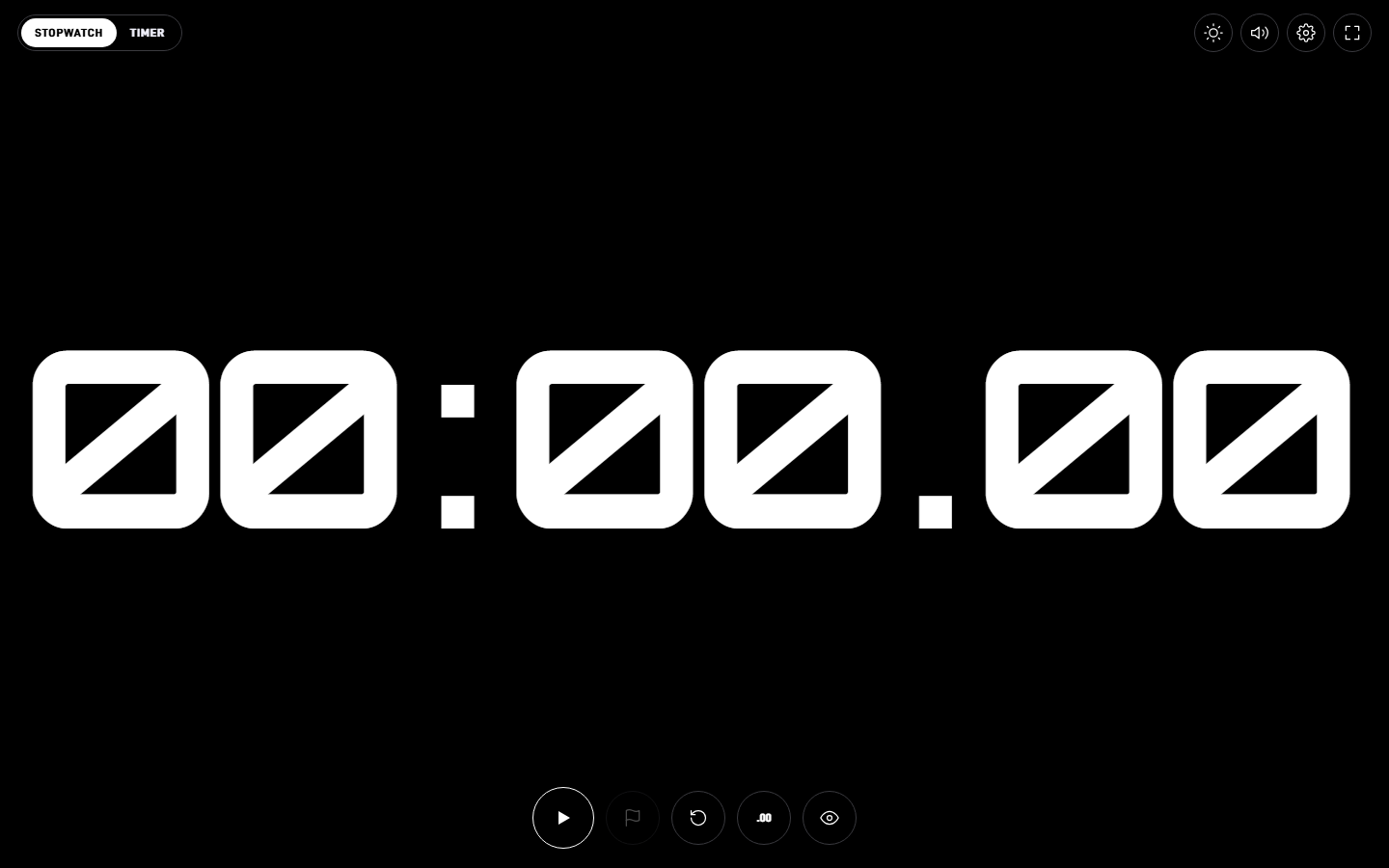
1. The Standard Format: HH:MM:SS.cs
Digital stopwatches format elapsed time in standard colon-separated and dot-separated sections:
- Hours (HH): The leftmost pair of digits. In many races under an hour, hours may be hidden until the time crosses 59 minutes and 59 seconds.
- Minutes (MM): The middle digits, counting from 00 to 59. Each minute equals exactly 60 seconds.
- Seconds (SS): The standard unit of time, counting from 00 to 59 before rolling the minute counter over.
- Hundredths of a Second (.cs): The two digits immediately to the right of the period (
.). Each count represents 1/100th of a second (10 milliseconds). In the example above,.67equals 670 milliseconds.
2. How to Read a Stopwatch on iPhone & Mobile Devices
On an iPhone running iOS, open the native Clock app and tap the Stopwatch tab. The screen renders a readout such as 02:14.89:
- The first two digits (
02) are minutes. - The next two digits (
14) are seconds. - The smaller numbers following the dot (
.89) are hundredths of a second (89 centiseconds). - When an elapsed run exceeds 60 minutes, iOS pushes hours to the front (
1:02:14.89).
On our fullscreen stopwatch, rotating your phone horizontally expands the display into edge-to-edge landscape mode, sizing the numerals across your entire phone screen for hands-free reading while training.
3. Why Anti-Jitter Tabular Numerals Matter
In poorly engineered digital stopwatches, proportional fonts cause digits like "1" to occupy less width than "8" or "0". As the hundredths column cycles 100 times per second, the colon and decimal points vibrate horizontally, causing eye fatigue.
Fullscreen Stopwatch utilizes monospaced tabular numerals (tabular-nums) with dedicated fixed-width slots. Every digit from 0 through 9 occupies the exact same horizontal footprint, keeping the display rock solid whether resting or running at top speed.
Related Stopwatch Guides
Deepen your understanding of digital timekeeping and measurement precision:
Fills the screen. Readable from six metres.