Precision Timing Guide
How to Measure Time Accurately Using a Stopwatch
Master the physics of elapsed timekeeping: human reaction latency, parallax reduction, hardware clock precision, and sprint coaching protocols.
Whether you are timing a 100-metre track sprint, conducting a high school physics pendulum experiment, or monitoring interval pacing in a garage gym, knowing how to measure time with a stopwatch accurately requires understanding both human physiology and digital hardware.
While a high-resolution online stopwatch can compute intervals down to fractions of a millisecond, the human operator pressing the button introduces physiological delays that dwarf software variations. In this guide, we break down where timing errors come from and how to eliminate them.
1. The Four Major Sources of Timing Error
When measuring elapsed time manually, total measurement error consists of four distinct components:
Visual Reaction Latency
The human eye takes approximately 200 to 250 milliseconds to process visual stimulus (like seeing a runner's foot leave the starting block) and send the nerve impulse through the spinal cord to compress the finger muscles.
Auditory Reaction Latency
Auditory processing is noticeably faster than visual processing, averaging 150 to 170 milliseconds. Starting a stopwatch on the sound of a starter gun clap is substantially more responsive than waiting to see the athlete move.
Parallax Error
Viewing a moving object from an oblique angle distorts the precise moment it crosses a boundary. Looking at a finish line from 30 degrees off-axis can introduce 50 to 100 milliseconds of apparent error.
Hardware & Clock Drift
Older mechanical clocks lose seconds per hour due to spring tension variance. Digital tools use monotonic CPU oscillators (performance.now()) with drift under 1 millisecond over 24 hours.
2. Best Practices for Accurate Stopwatch Measurement
- Use Keyboard Hotkeys Instead of Mouse Clicks: Pressing the physical Space key delivers an immediate hardware interrupt with under 8–10 milliseconds of mechanical travel, compared to a mouse click which requires cursor positioning and pointer actuation.
- Anticipate the Signal (Smoke vs. Sound): In outdoor athletics, the speed of sound (approx. 343 m/s) causes acoustic delay over distance. At 100 metres away, you hear the gun 291 milliseconds after it fires. Always start on the visual smoke flash of the starter gun or the first movement of the athlete, not the distant acoustic pop.
- Align with the Finish Plane: Always position yourself directly on the perpendicular line of the finish marker. Never stand ahead or behind the tape, as line-of-sight angle distortion will skew your stopping point.
- Keep Multiple Observers for Critical Trials: In Olympic and NCAA manual timing rules, three independent timekeepers record each lane. If two times match, that time is accepted; if all three differ, the middle time is used to filter out individual reflex outliers.
- Use Split Laps for Intermediate Checkpoints: Instead of stopping and resetting the stopwatch for every interval, press L to record split laps. The clock keeps running continuously without interrupting the master timekeeper.
3. Does an Online Stopwatch Really Work with Precision?
A common concern is whether a browser application is as accurate as a physical handheld Casio or Seiko stopwatch. The answer is yes, and in many respects superior.
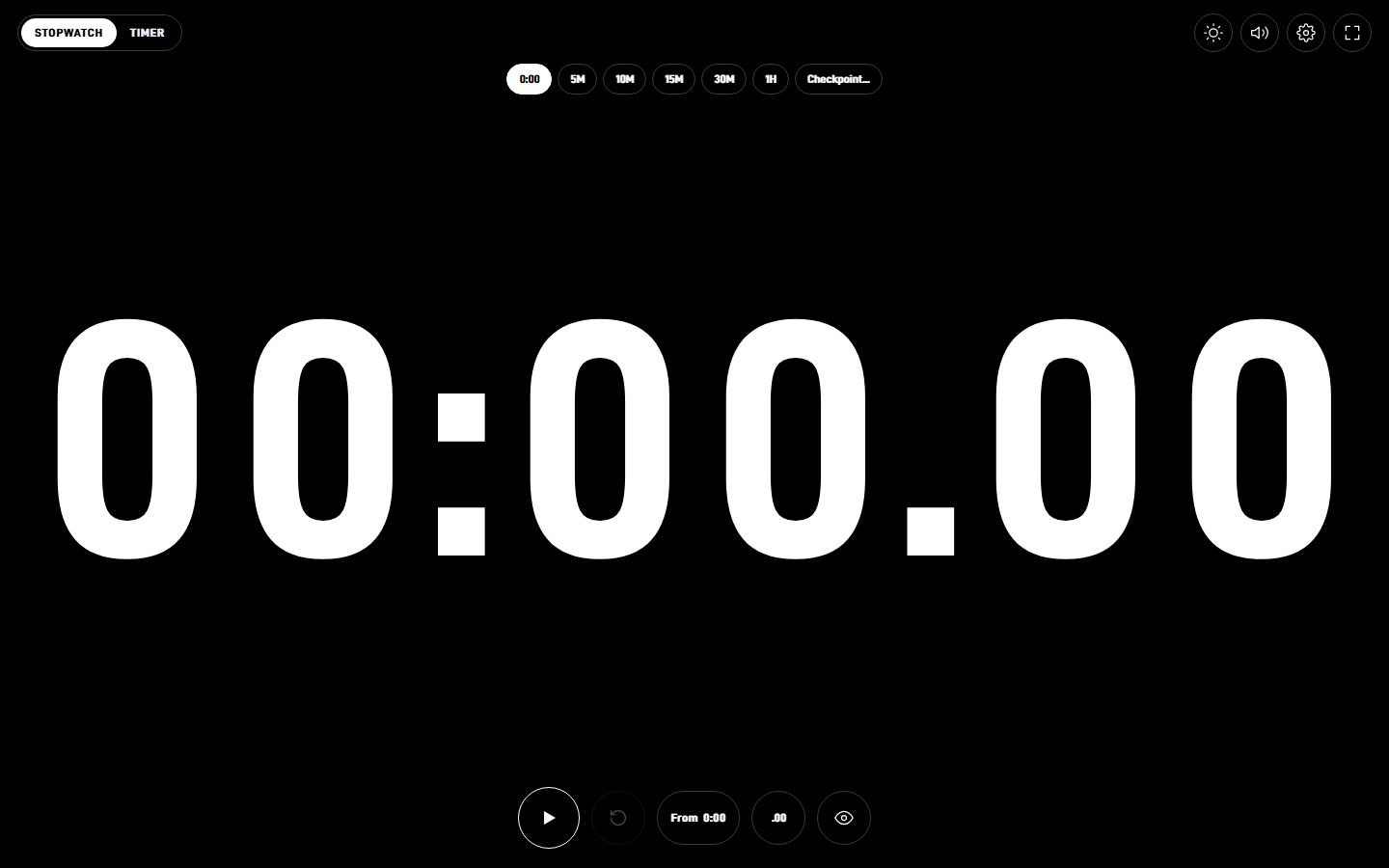
Fullscreen Stopwatch uses the HTML5 High Resolution Time specification (window.performance.now()). Unlike standard JavaScript timers (setInterval) that can stutter when the browser is busy rendering graphics, our clock computes time by measuring elapsed intervals directly against your computer's high-frequency CPU crystal oscillator.
Even if you switch tabs or minimize the browser window, wall-clock calculations continue in background memory. When you return, the display immediately catches up to the exact millisecond without lost frames or time dilation.
Related Stopwatch Timing Guides
Continue learning how to get the most out of your digital timing setup:
Fills the screen. Readable from six metres.